AsmLoop

macOSWindows

Write it. Run it.

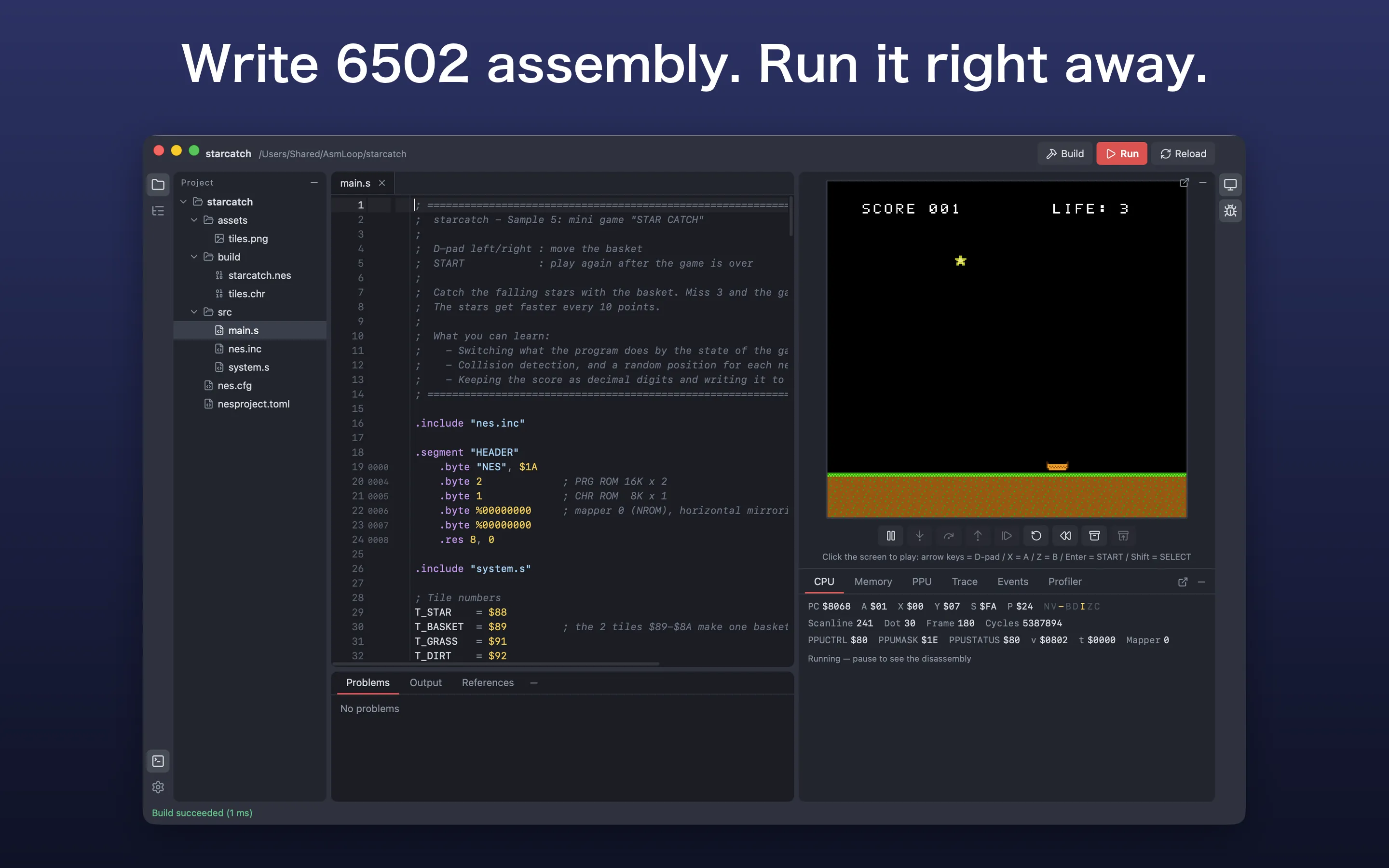
A development environment for making retro games in 6502 assembly language. The editor, assembler, emulator and debugger live in one window, so you can run what you write right away, with nothing else to install. Available for Mac and Windows.

Get it from the Microsoft StoreComing soon to the Mac App Store
AsmLoop screenshot 1

Highlights

  1. 01

    Everything in one window

    Editor, assembler, emulator and debugger in a single app. Run what you write right away, with no other tools to install.

  2. 02

    Inspect while it runs

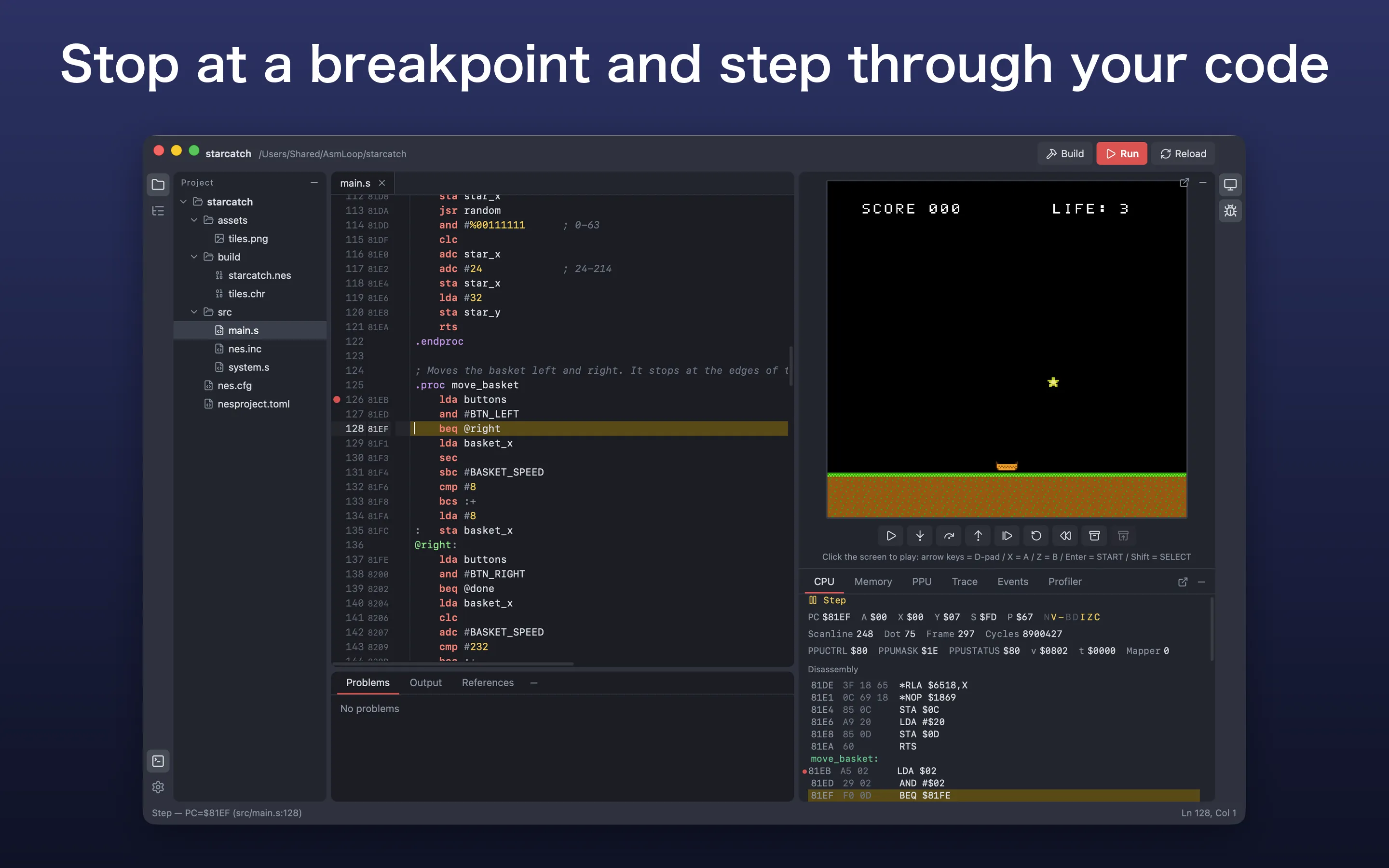
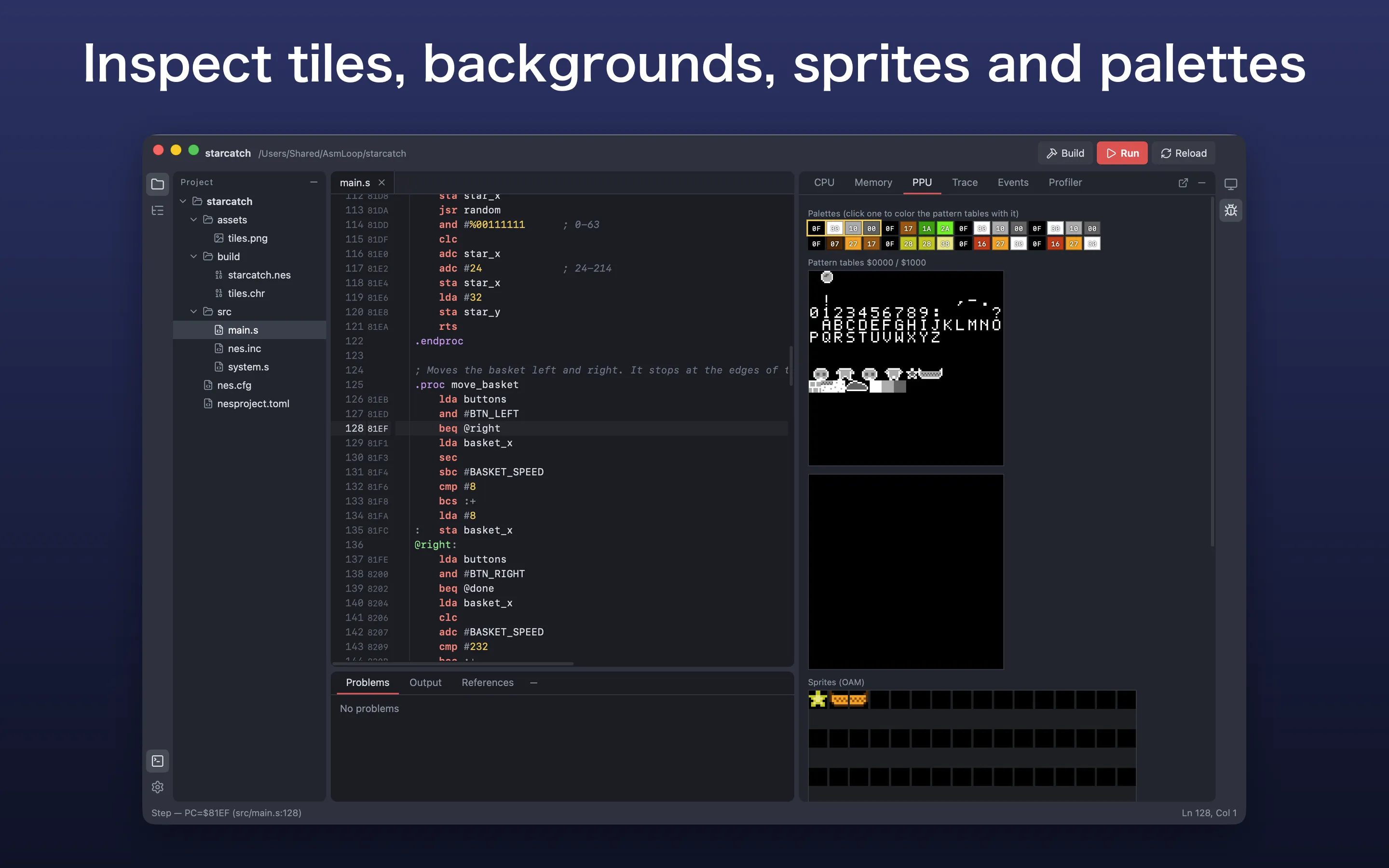
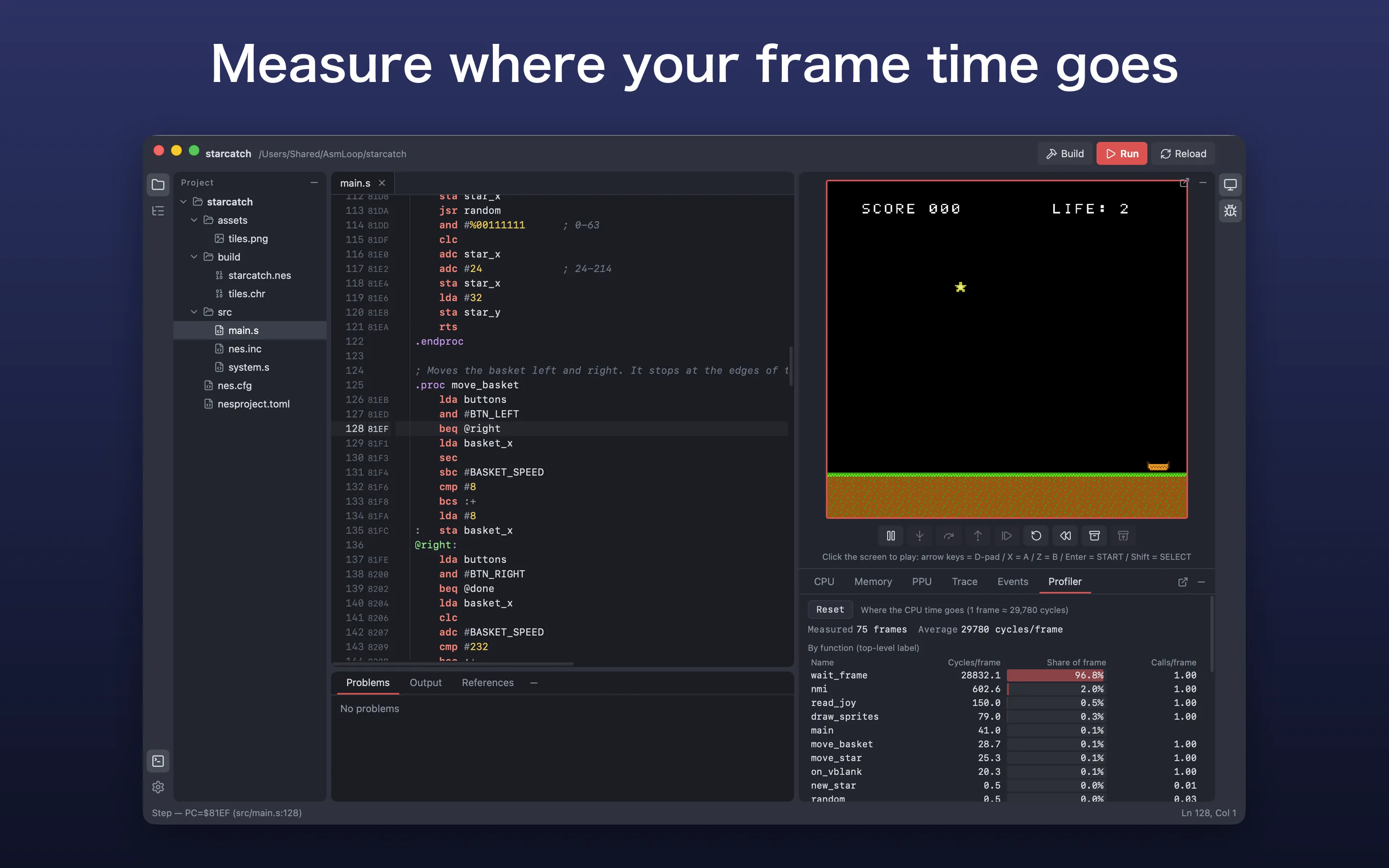
    Stop at a breakpoint and step through your code, or look at tiles, palettes, memory and where the CPU time goes.

  3. 03

    Start from the samples

    Five samples are included: sprites, scrolling, music, a mini game and more. Learn by changing the commented source.

Video

Screenshots

Features

Write

  • Syntax highlighting and completion for 6502 assembly
  • Errors shown as you type
  • Hover to see a symbol's value, definition and comment, an instruction's cycle count, or the bits of a hardware register
  • Go to definition, find references, rename everywhere, symbol list

Run

  • Built-in assembler and linker (a subset of the ca65 syntax, ld65-style memory configuration)
  • Hot reload: swap in the rebuilt ROM while keeping the state of the game
  • Save states and rewind
  • Mappers 0, 1, 2, 3 and 4. Export your game as a ROM in the .nes format

Inspect

  • Breakpoints, stepping, registers, memory and disassembly
  • PPU viewer (palettes, pattern tables, name tables, sprites)
  • Event viewer: see where in the frame your code writes to the registers
  • Profiler (CPU time per function and per line) and trace log

More

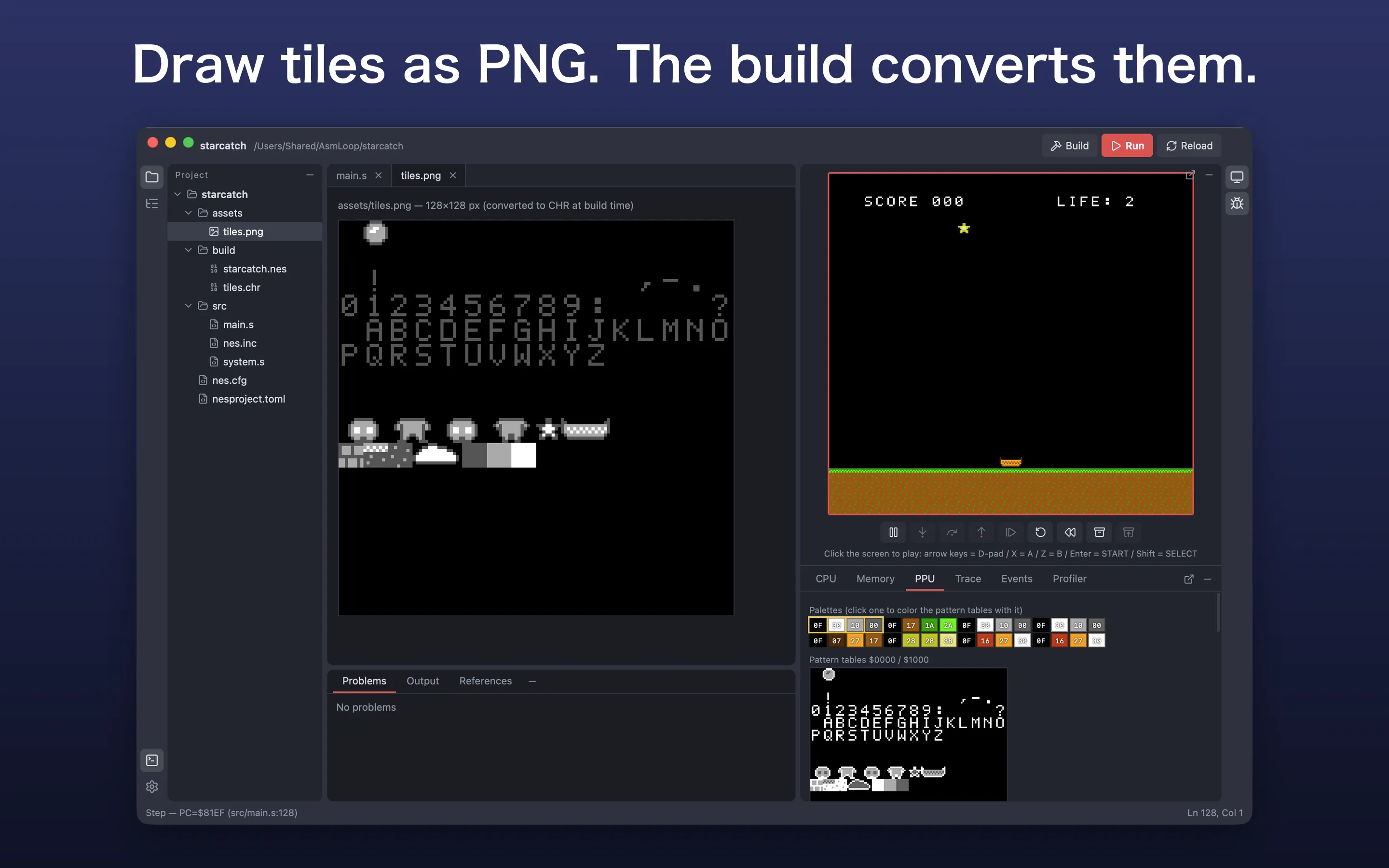
  • Draw your tiles as PNG; the build converts them to tile data
  • A project is a plain folder of text files
  • Each project in its own window. The emulator screen and the debugger can be moved to windows of their own
  • No account, no network access, no ads, no data collection
  • Available in English and Japanese

Pricing

A one-time purchase (on the Mac App Store for Mac, and on the Microsoft Store for Windows). There are no in-app purchases and no subscription.

Purchases are separate for each store. The Mac version is tied to your Apple ID and the Windows version to your Microsoft account, so you can reinstall it on any computer signed in with the same account.

Please note

AsmLoop is a developer tool for making games. It does not include any games (only the original learning samples are bundled). It has no feature for loading a ROM file to play it. AsmLoop runs the program built from the source of your project.

AsmLoop

Write it, run it. A development environment for 6502 assembly games

Get it from the Microsoft StoreComing soon to the Mac App Store