
Automatic checking
- Checks against your list whenever you open or switch tabs
- Shows the result with the toolbar icon and badge
- The popup shows the current domain and the connection (HTTPS / HTTP)

DomainPin
ChromeComing soon
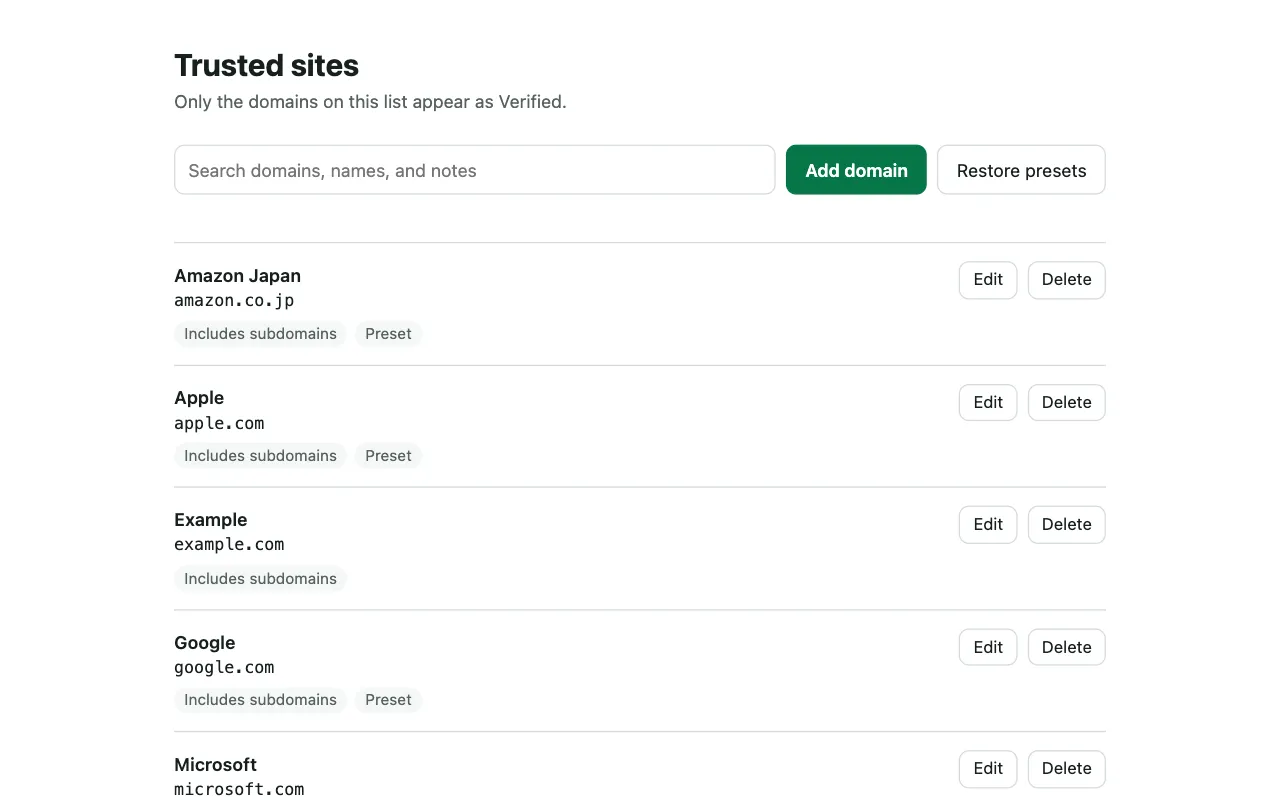
DomainPin is a simple domain checker that helps you notice fake and phishing sites. Add the sites you trust, and DomainPin automatically compares the site you are on with your list and shows the result in the toolbar. It never communicates with external servers, and your data stays on your device.
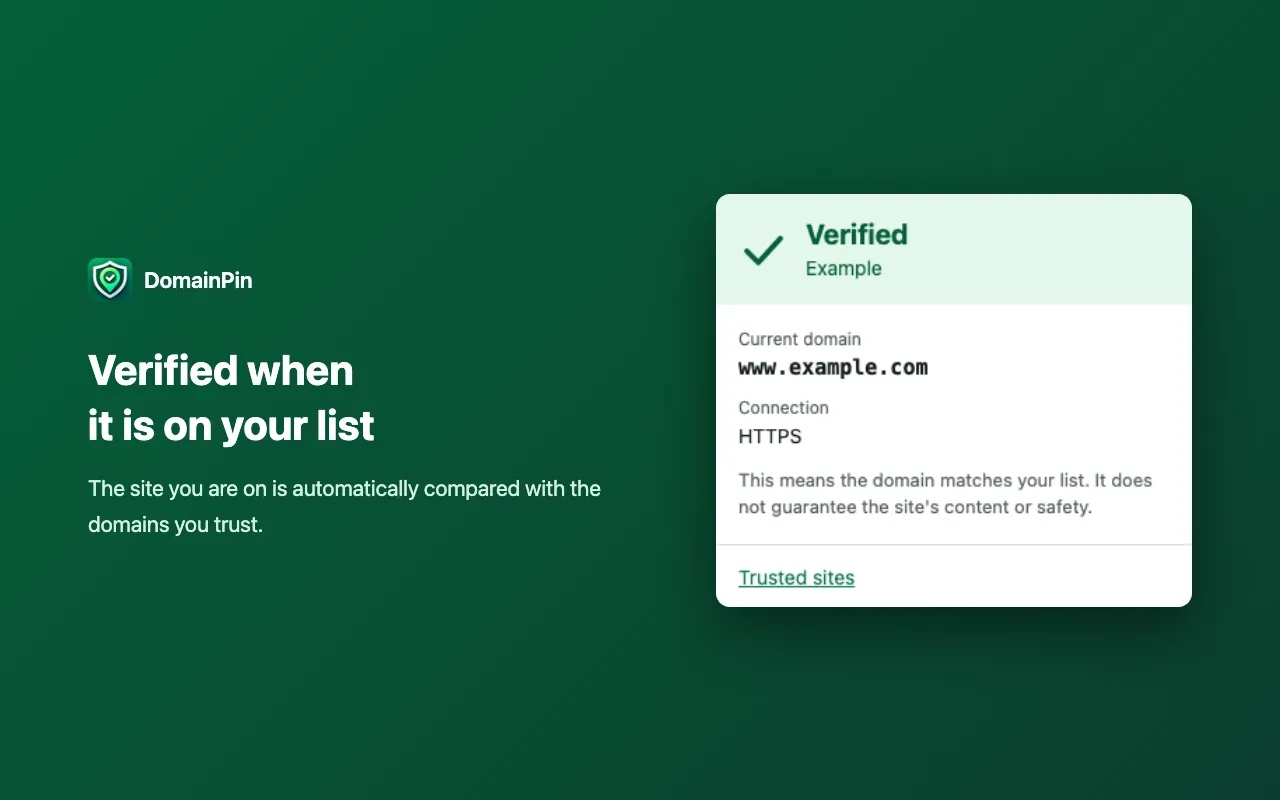
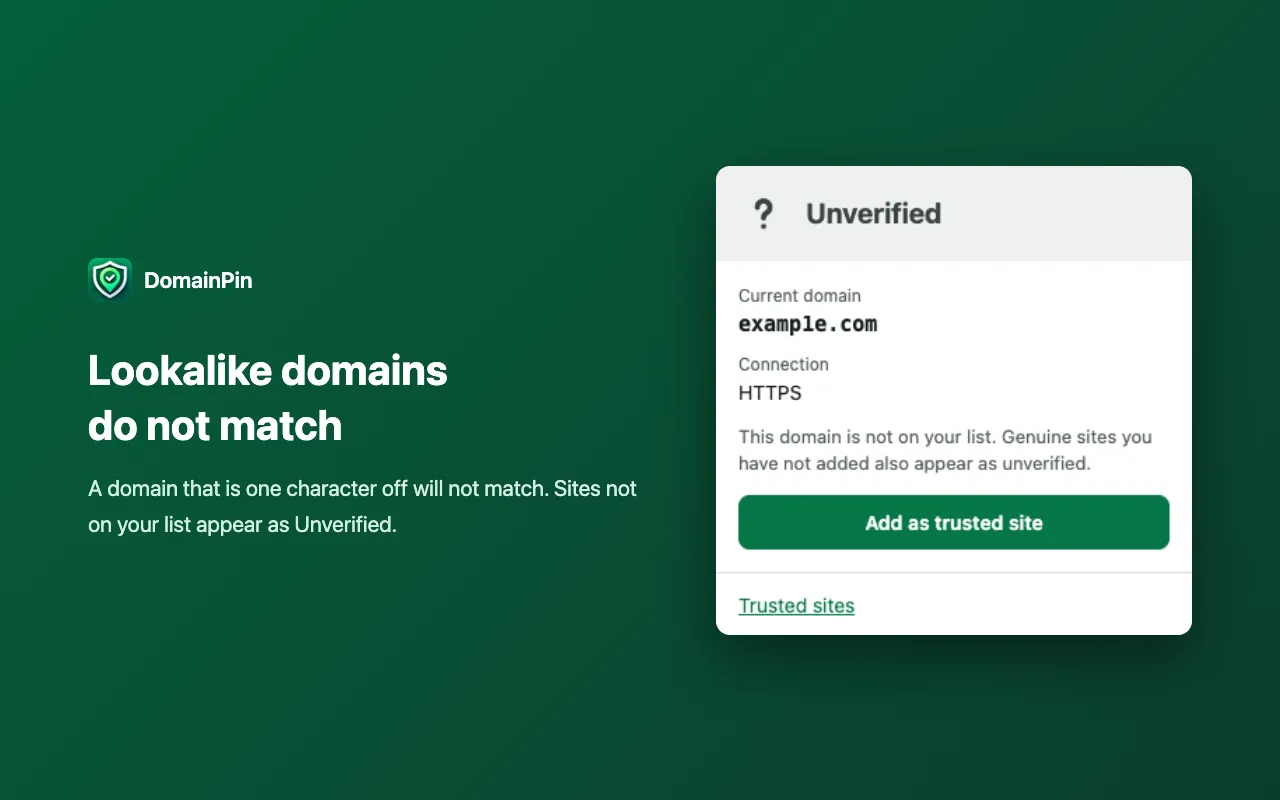
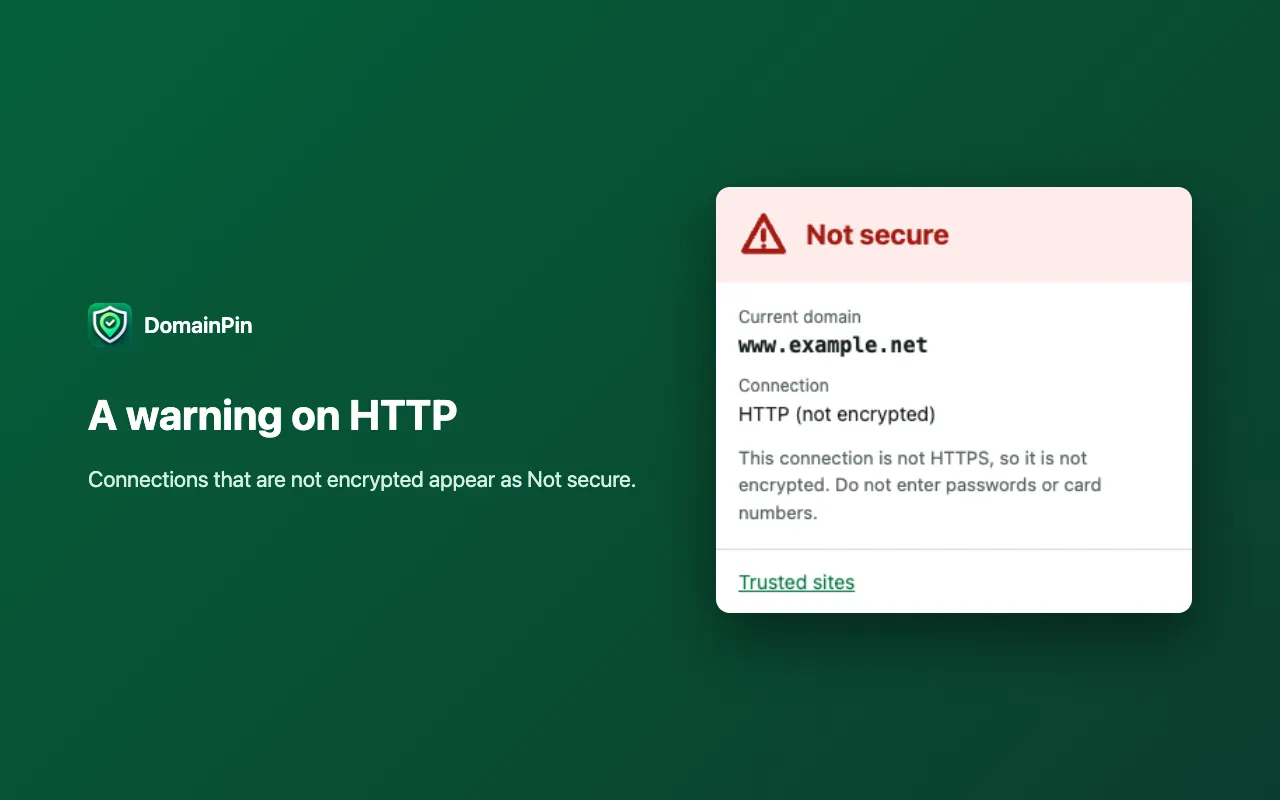
If the site matches your list, it shows Verified. Otherwise it shows Unverified, and Not secure when the connection is not HTTPS.
Lookalikes such as amazon.co.jp.example.com or amaz0n.co.jp do not match the genuine domains on your list.
No account and no ads. Your list is stored only in your browser.
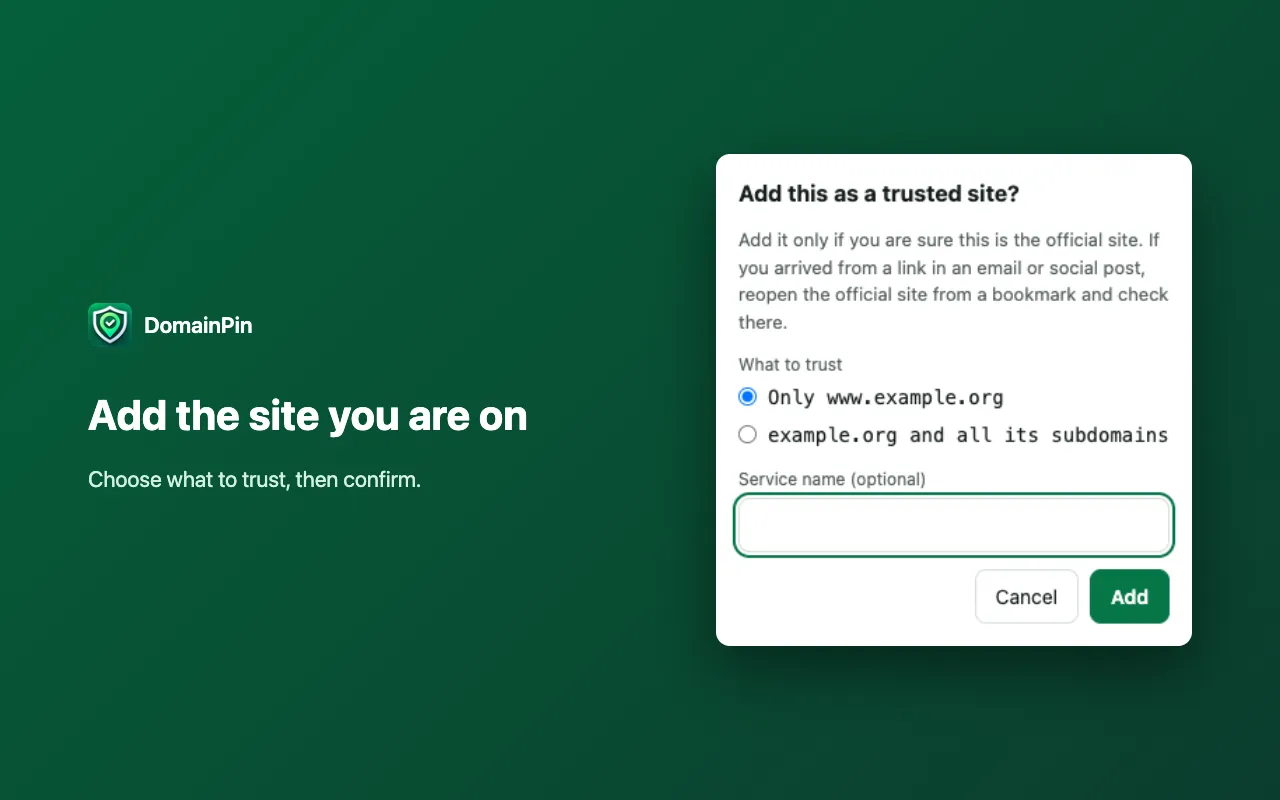
co.jp or github.io, cannot be addedxn-- form, making lookalike characters easier to spotFree.
Verified means the domain matches your list. It does not guarantee the safety of the site’s content, operator, or communications.

DomainPin
A Chrome extension that checks the current site against your own list of trusted domains