AtlasKit

macOSWindows

Pack, split and preview your game sprites.

AtlasKit is an app for Mac and Windows that packs image sequences into sprite sheets, splits existing sheets, and lets you preview animations right away. The exported sprite sheets and JSON load as is in Phaser, PixiJS and more.

Get it from the Microsoft StoreComing soon to the Mac App Store
AtlasKit screenshot 1

Highlights

  1. 01

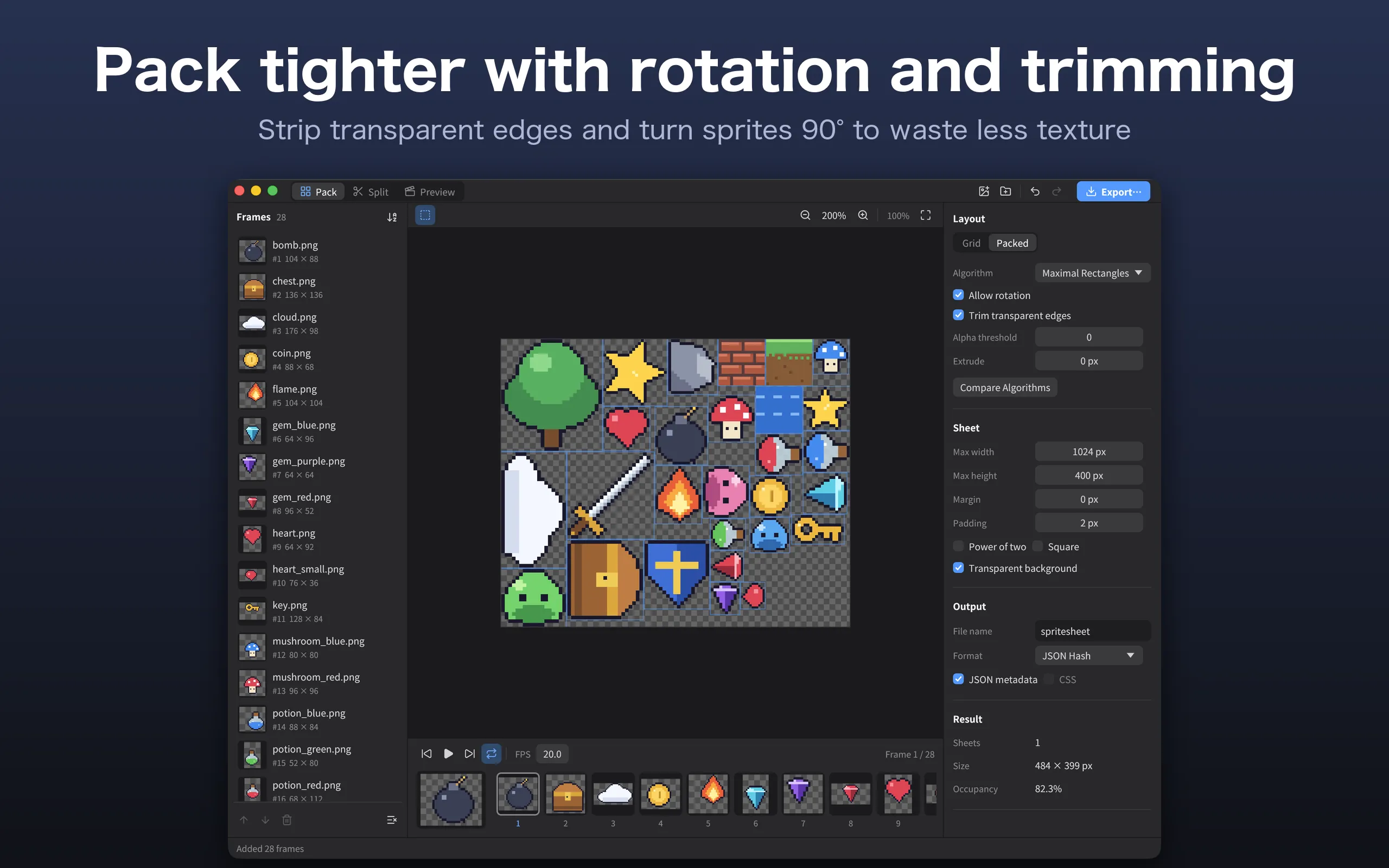
    Tightly packed sprite sheets

    Choose from 7 packing algorithms. Combine rotation, trimming of transparent edges and extrusion to cut wasted texture space.

  2. 02

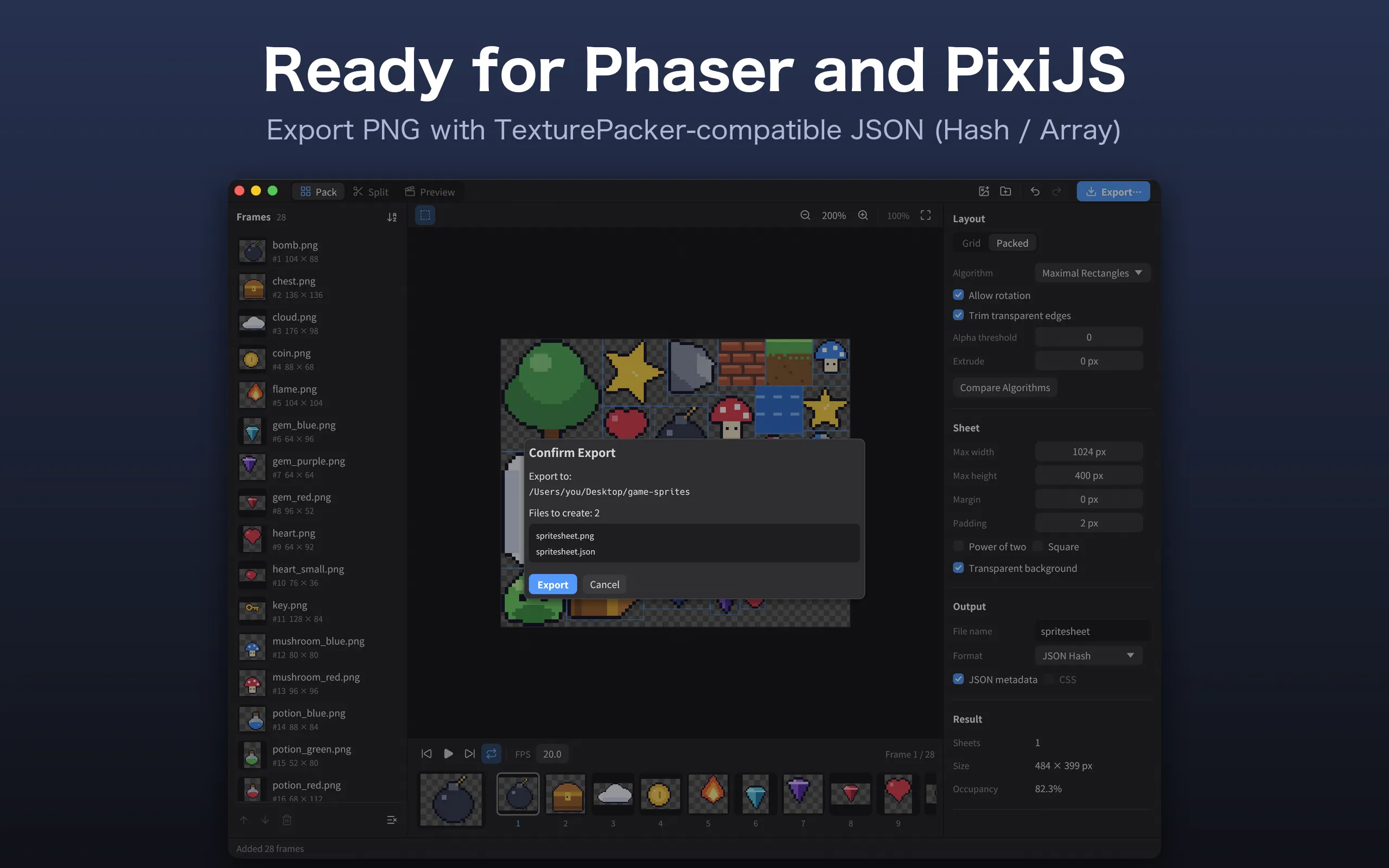
    Metadata ready to use

    Exports JSON (Hash / Array) with the same field names as TexturePacker, so it loads as is in game engines and libraries such as Phaser and PixiJS.

  3. 03

    Splitting and previewing, too

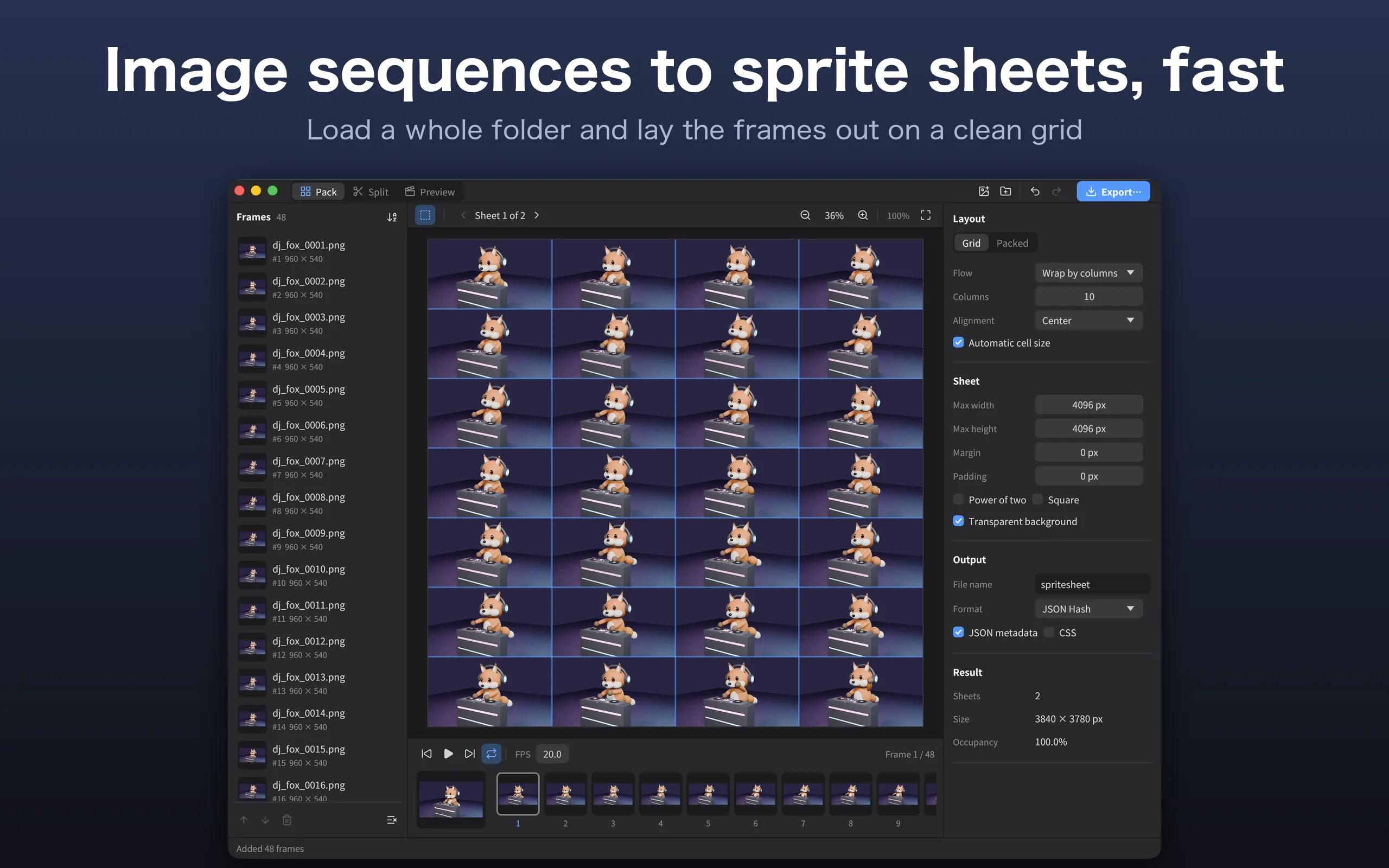
    Split existing sprite sheets on a grid and export them as numbered images. Play your frames as an animation right in the app.

Screenshots

Features

Pack: create sprite sheets

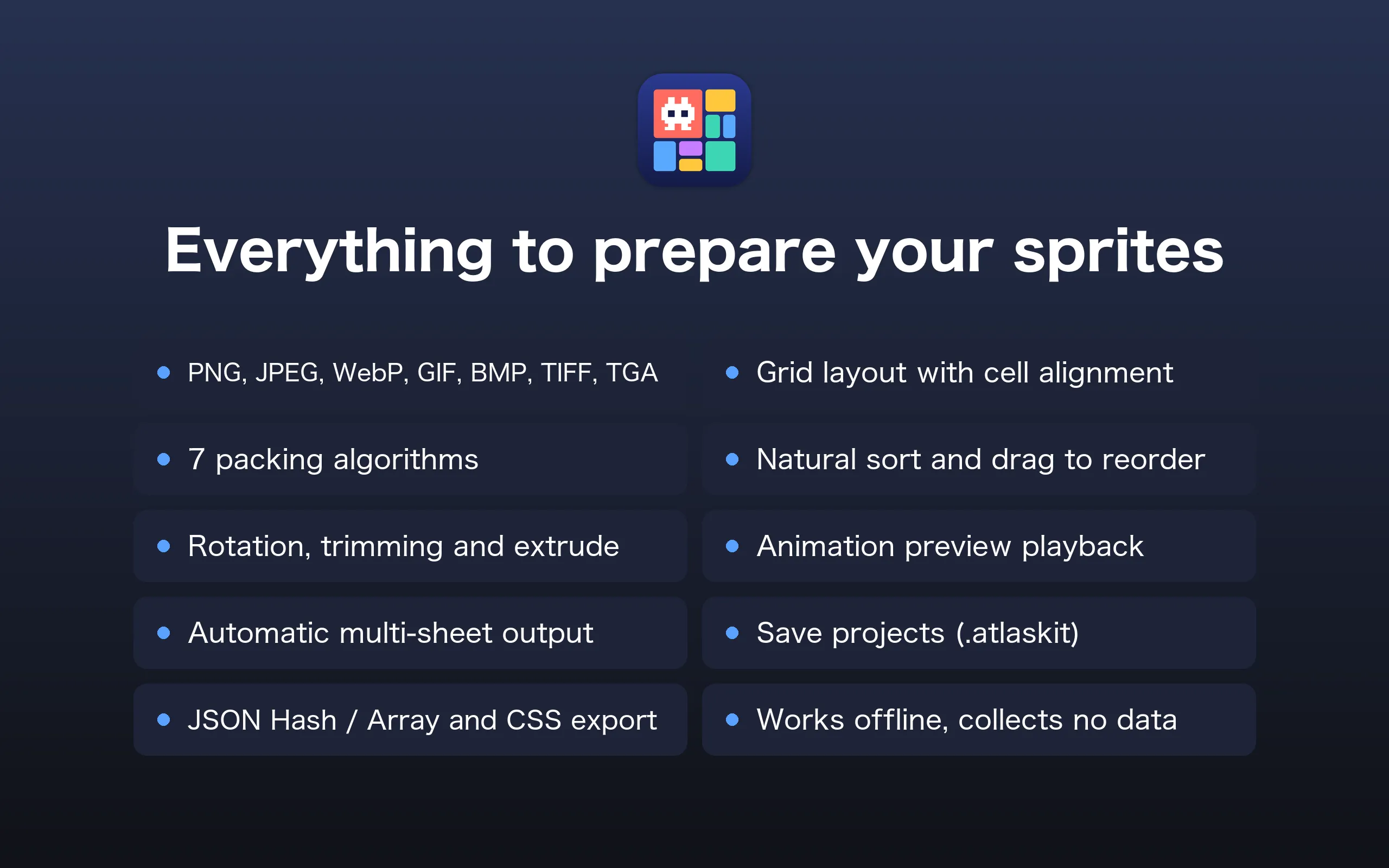
  • Import PNG / JPEG / WebP / GIF / BMP / TIFF / TGA (files, folders, or drag and drop)
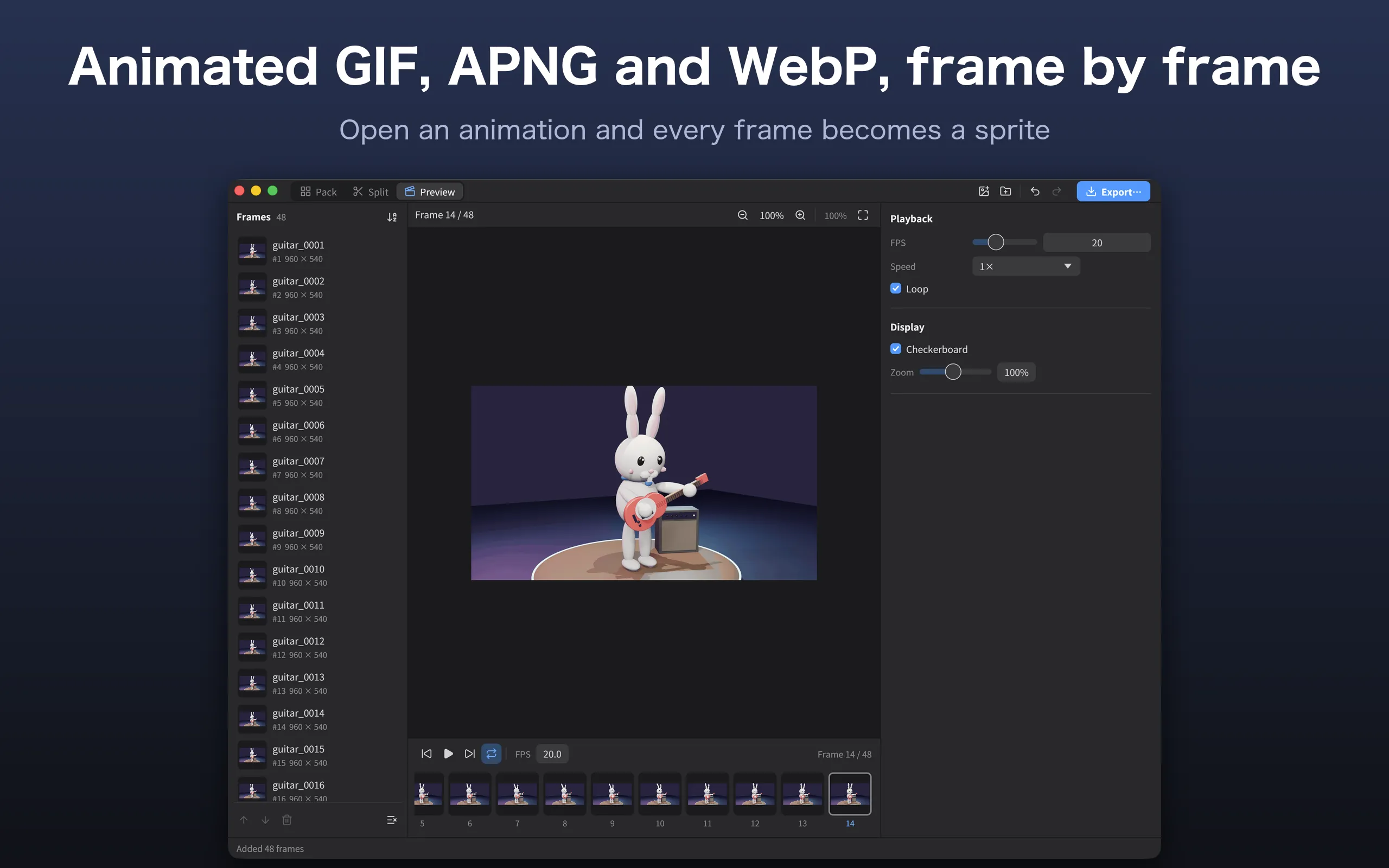
  • Animated GIF / APNG / animated WebP are expanded into one frame per image
  • Natural sort order (frame2 comes before frame10) and manual reordering by dragging
  • Grid layout: horizontal, vertical, wrap by columns or rows, cell size, and alignment in the cell
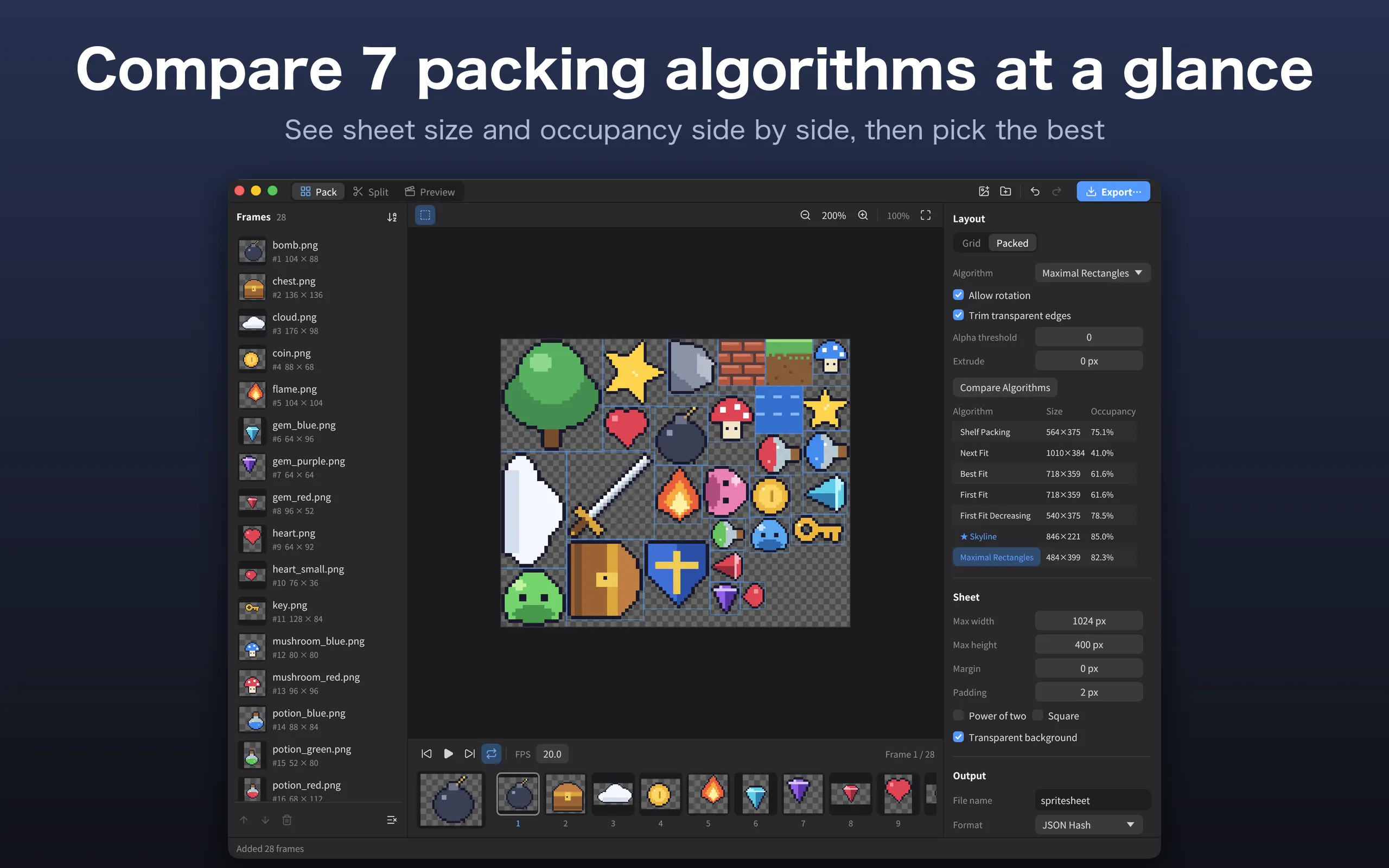
  • Packed layout: Shelf Packing, Next Fit, First Fit, First Fit Decreasing, Best Fit, Skyline, Maximal Rectangles
  • Compare sheet size and occupancy for every algorithm at a glance
  • 90° rotation, trimming of transparent edges (with an alpha threshold), and extrusion
  • Max sheet size, margin, padding, power-of-two size, square sheets, and background color
  • Automatically splits into multiple sheets when the frames don't fit on one
  • Exports PNG, JSON (Hash / Array) and CSS

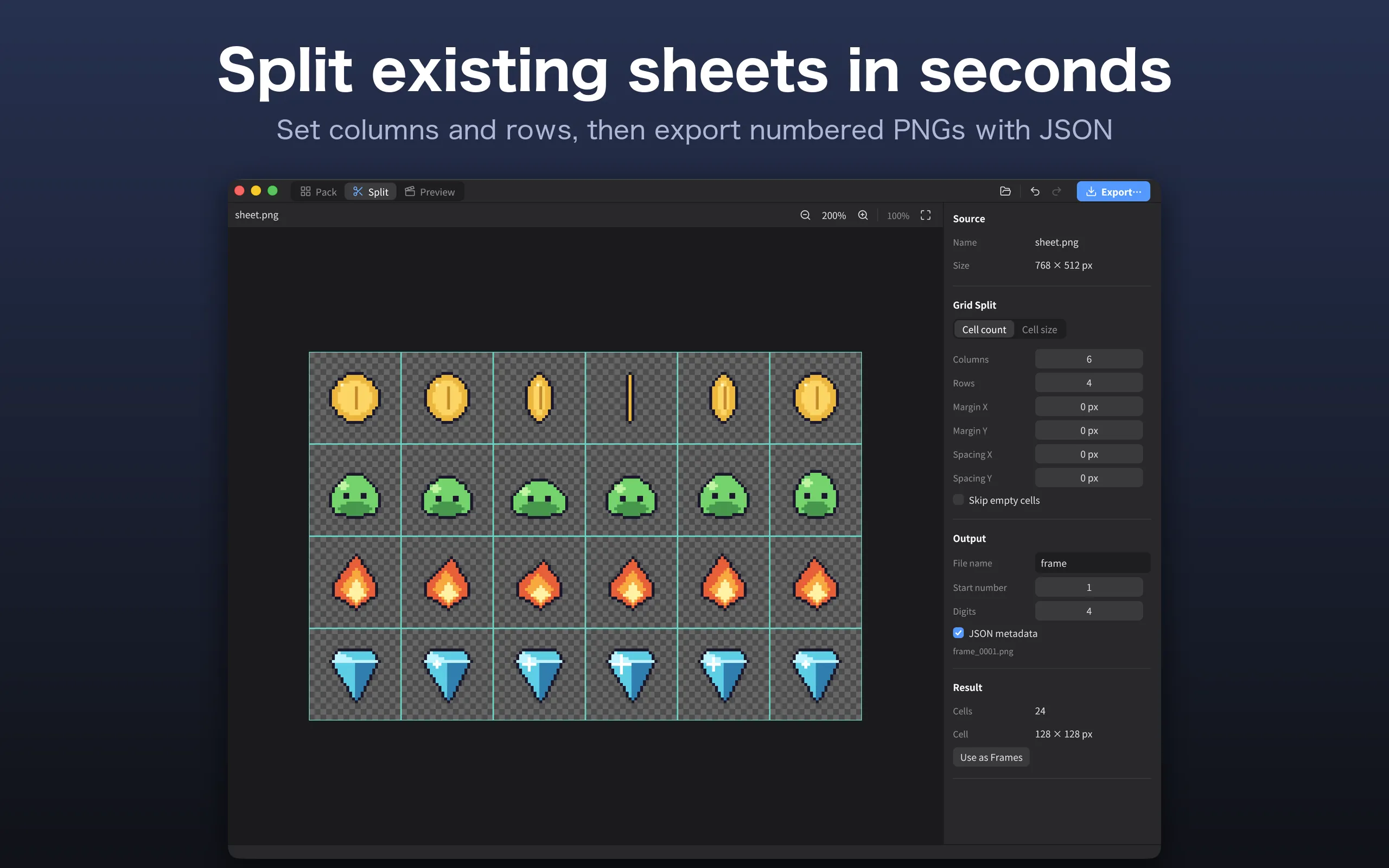
Split: split sprite sheets

  • Split by column and row count, or by cell size
  • Supports margins and spacing between cells, with a preview of the split
  • Skip empty cells
  • Exports numbered PNGs and JSON with each cell's original position
  • Use the split cells directly as frames in Pack

Preview: check animations

  • Play, pause, step frame by frame, and loop
  • 1–60 FPS, playback speed 0.25× to 4×
  • Checkerboard or any background color, and zoom

And more

  • Save your work as a project file (.atlaskit) and open it again later
  • Undo and redo
  • Japanese and English user interface

About AtlasKit

AtlasKit is not a general-purpose image editor. It is a tool made specifically for preparing game sprites. It never modifies your original images, and all processing happens on your computer.

The coordinates in the exported PNG and JSON always match. We have verified that the original images can be restored exactly from the exported files, for every combination of rotation, trimming and extrusion.

Price

A one-time purchase on both the Mac App Store and the Microsoft Store. There are no in-app purchases or subscriptions. See the store for the price in your region.

Supported formats

Type Formats
Import PNG / APNG, JPEG, WebP (including animated), GIF (including animated), BMP, TIFF, TGA
Export (images) PNG
Export (metadata) JSON Hash, JSON Array (TexturePacker-compatible), CSS (when rotation and trimming are off)
Project .atlaskit

AtlasKit

Sprite Sheet & Texture Atlas Tool

Get it from the Microsoft StoreComing soon to the Mac App Store