
Ways to save
- The LocalMarks icon in the toolbar
- A shortcut (⌥⇧S on Mac, Alt+Shift+S on Windows)
- "Save this page to LocalMarks" in the right-click menu
- Right-click a link and choose "Save link to LocalMarks"

LocalMarks for Chrome
Chrome
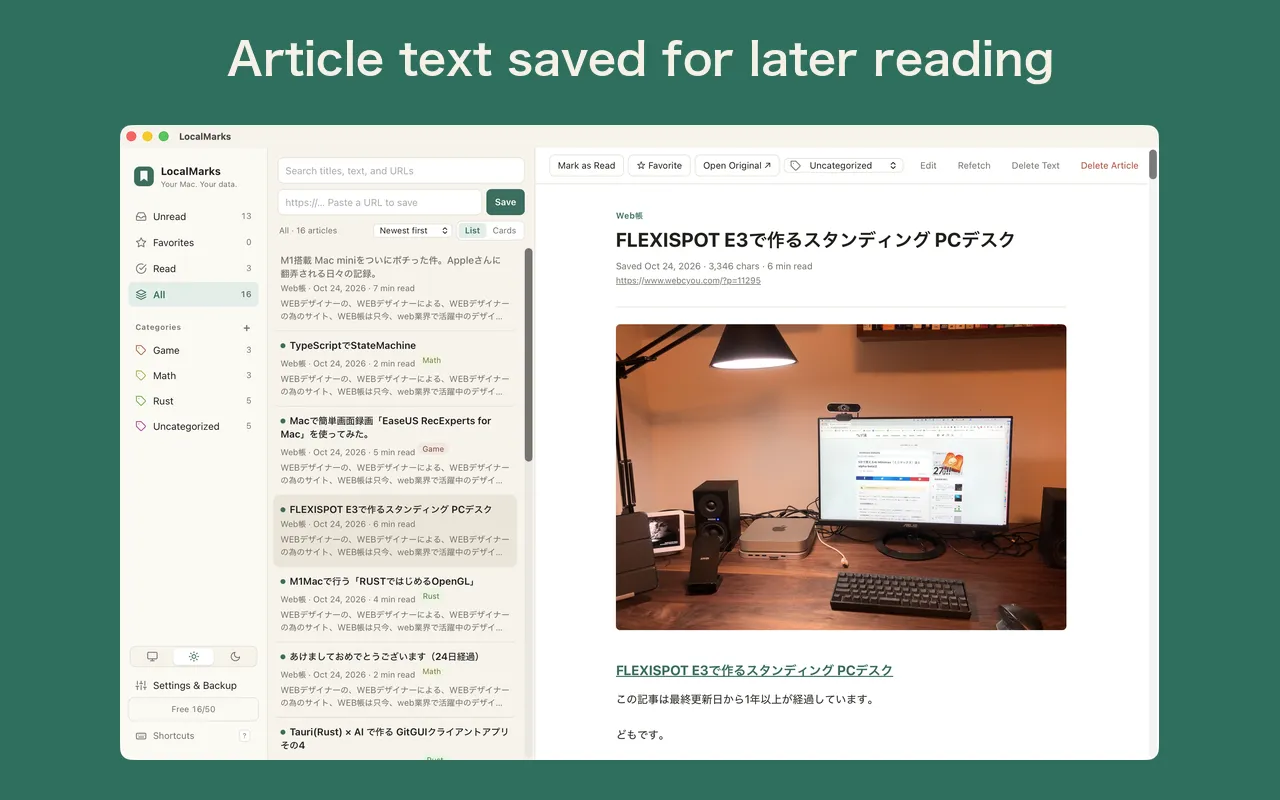
LocalMarks for Chrome saves the page you're viewing to LocalMarks, the read-it-later app running on the same computer, in one click. Pages behind a login are saved exactly as displayed. Articles are never sent to servers on the internet.
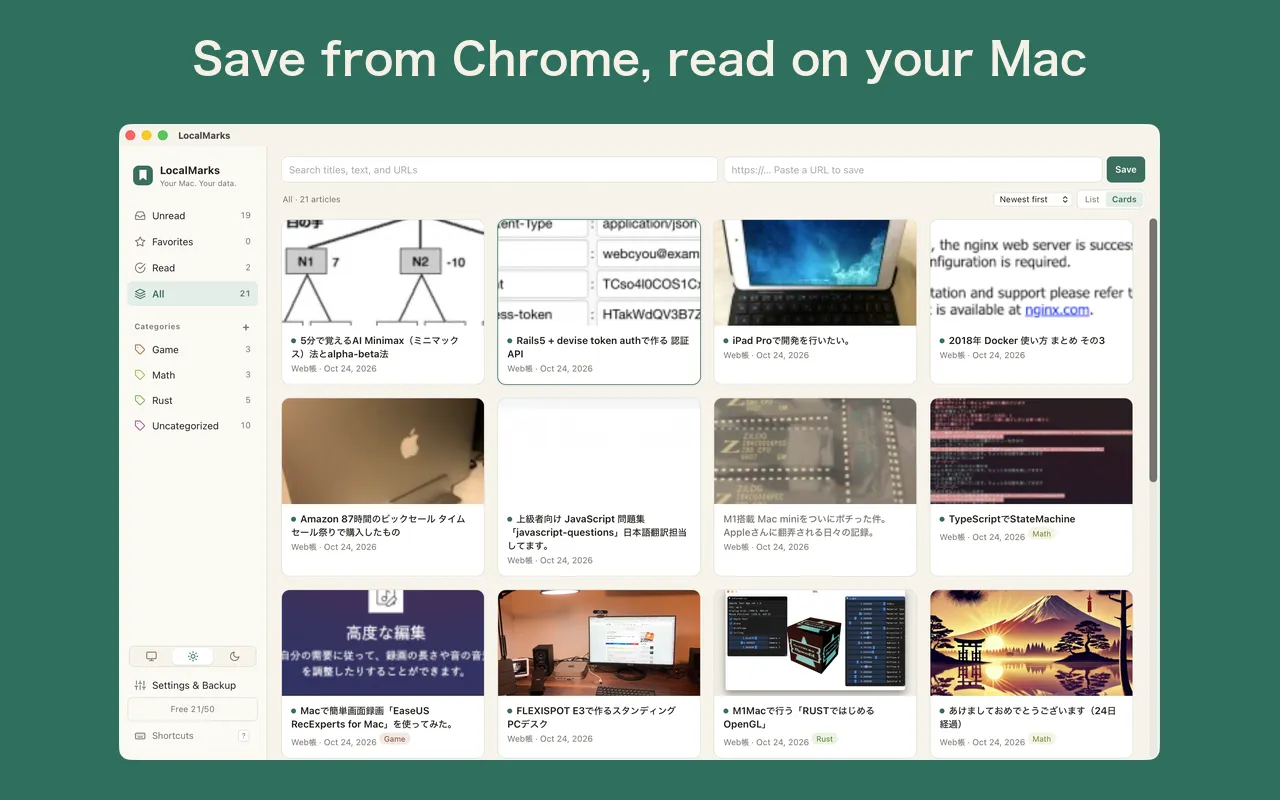
Click the toolbar icon to save the page you're viewing to LocalMarks. You can also use a shortcut (⌥⇧S on Mac, Alt+Shift+S on Windows) or the right-click menu.
Pages behind a login or rendered with JavaScript are saved from what Chrome is actually showing.
Saved articles go only to the LocalMarks app running on the same computer. Nothing is sent to servers on the internet.
127.0.0.1)The extension is free. The LocalMarks app also lets you save up to 50 articles for free (“Unlimited”, a one-time in-app purchase, removes the limit).
This extension sends articles to the LocalMarks app running on the same computer. Install the LocalMarks app first.
Paste the token shown in the app’s Settings into the extension’s options page to get started. See Support for step-by-step instructions.

LocalMarks for Chrome
A Chrome extension that saves the page you're viewing to LocalMarks on your computer in one click