
Easy saving
- Paste a URL to save it
- Save the page you're viewing in one click with the free Chrome extension
- Also save with a shortcut (⌥⇧S on Mac, Alt+Shift+S on Windows) or the right-click menu

LocalMarks
macOSWindows
A read-it-later app for saving web pages and reading them later. Everything you save stays on your computer — no account, no cloud. Save pages in one click with the Chrome extension.
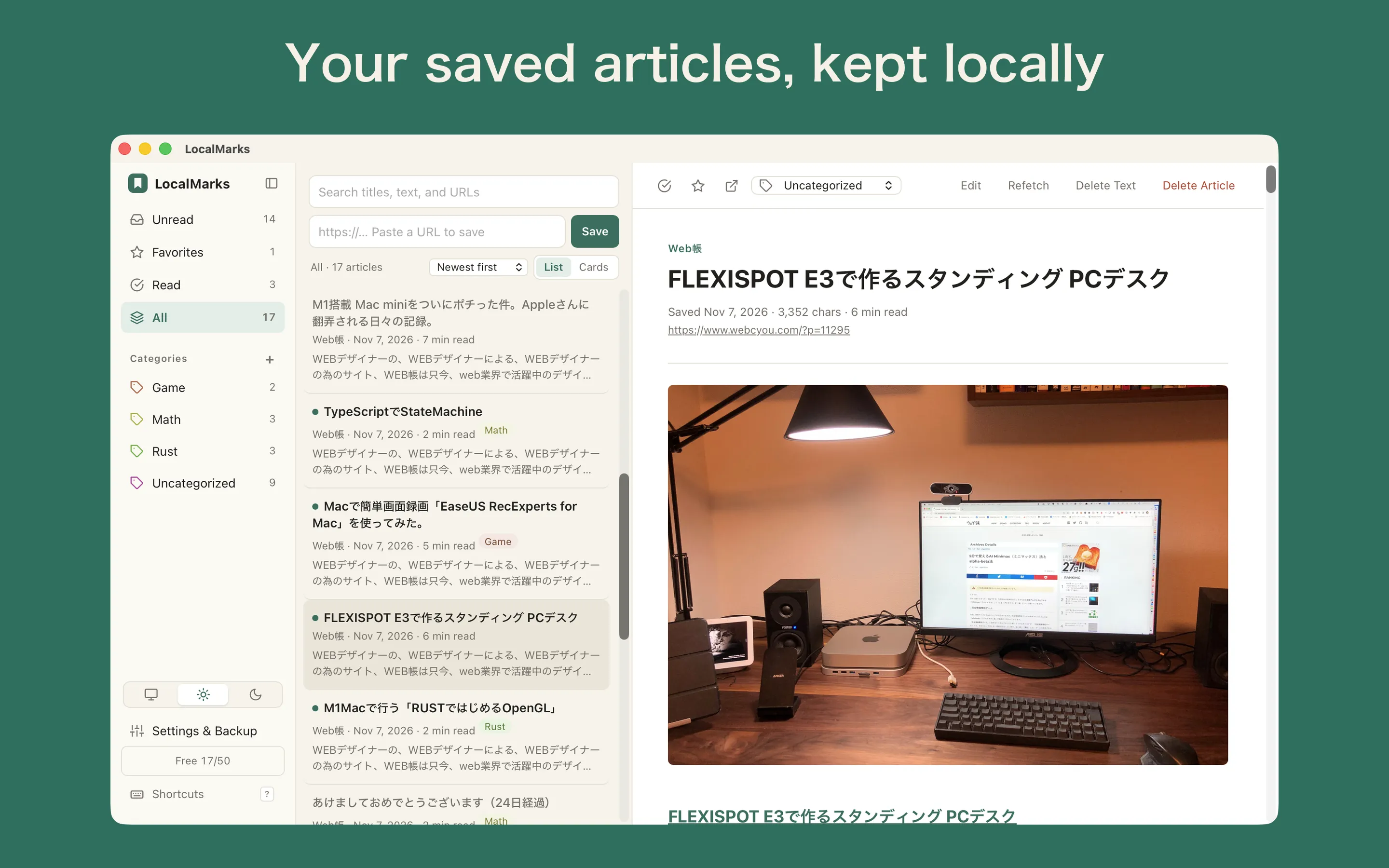
Everything you save stays on your computer. No tracking, no ads and no data collection.
With the Chrome extension, save the page you're viewing as is. You can also save by pasting a URL.
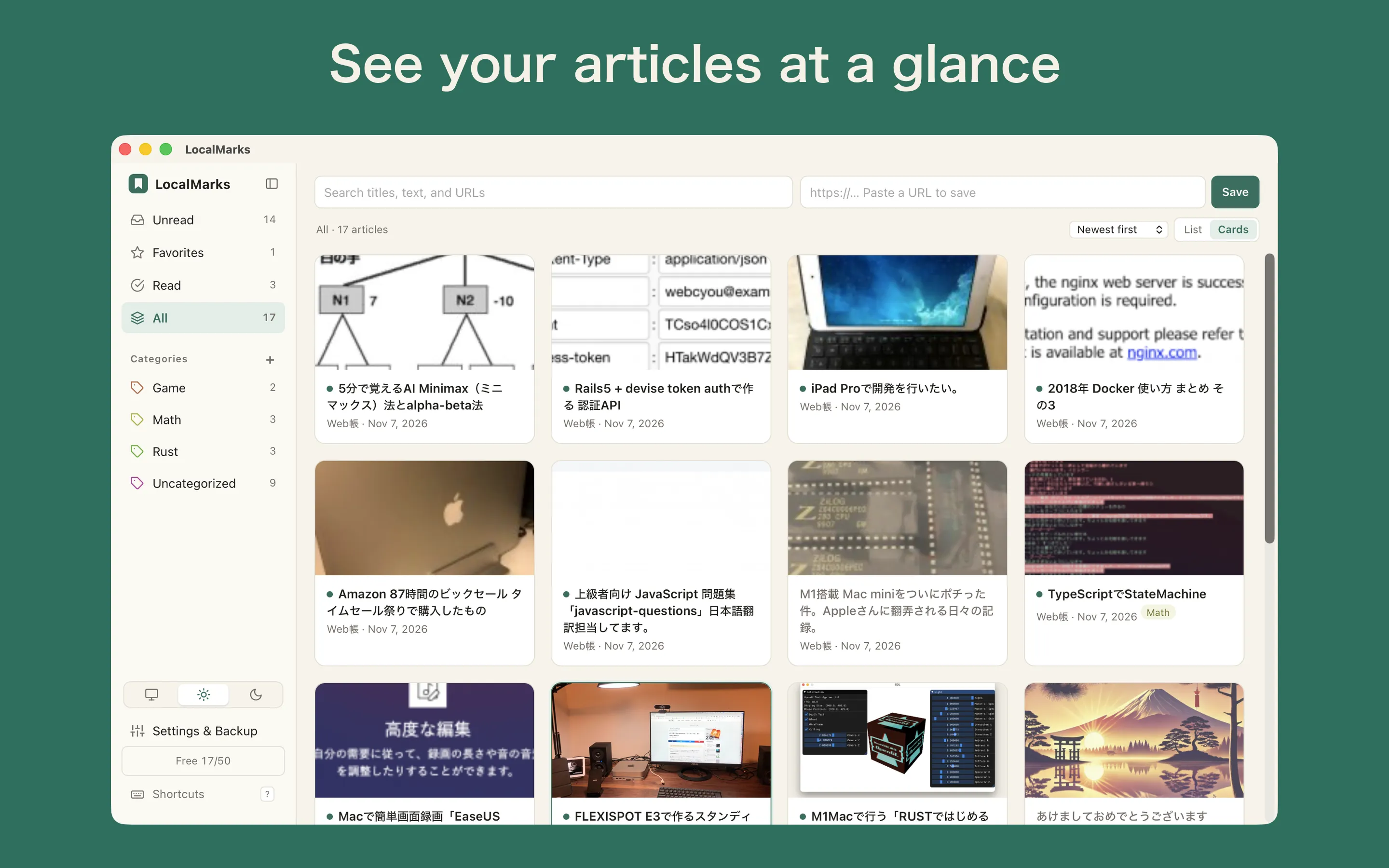
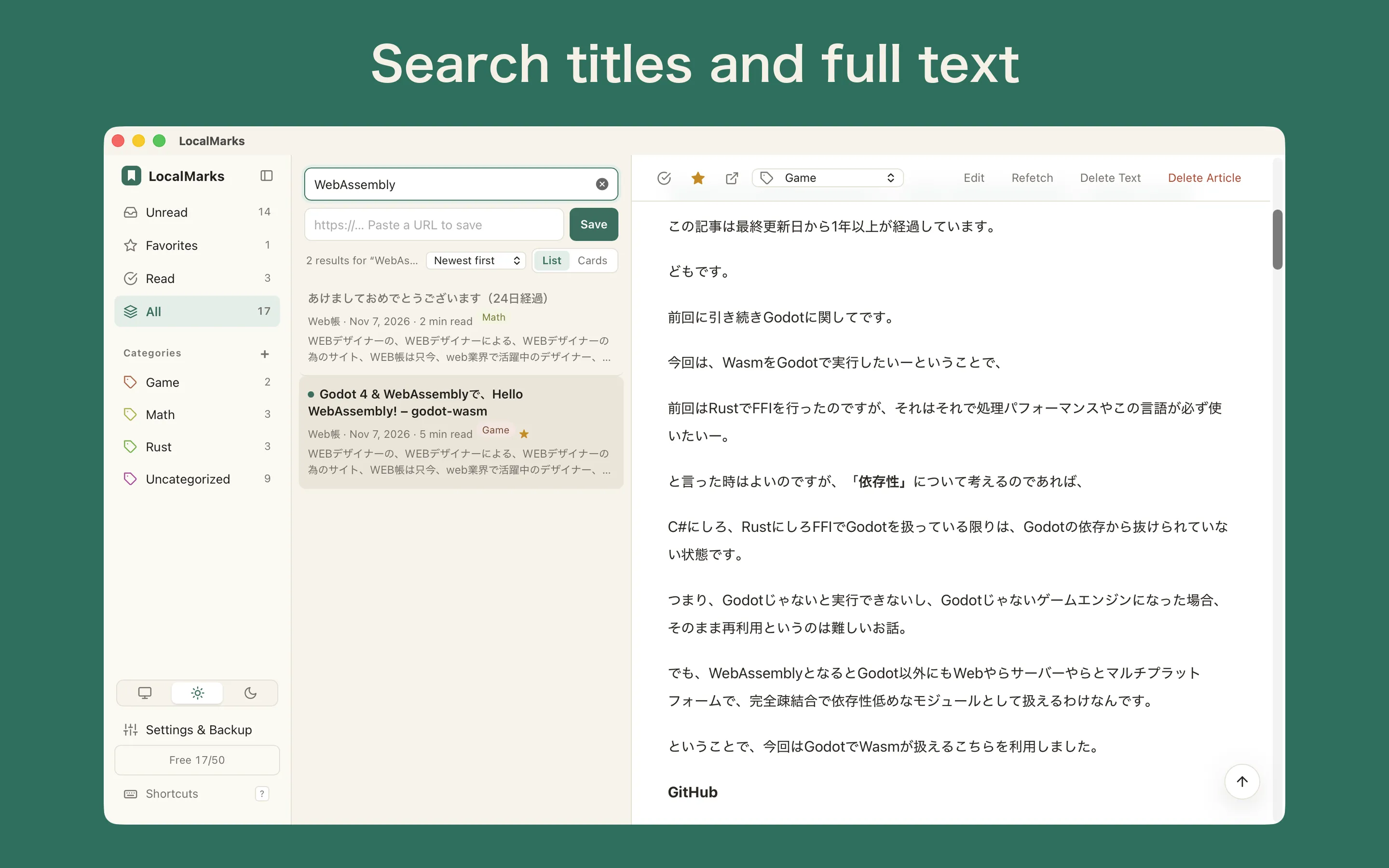
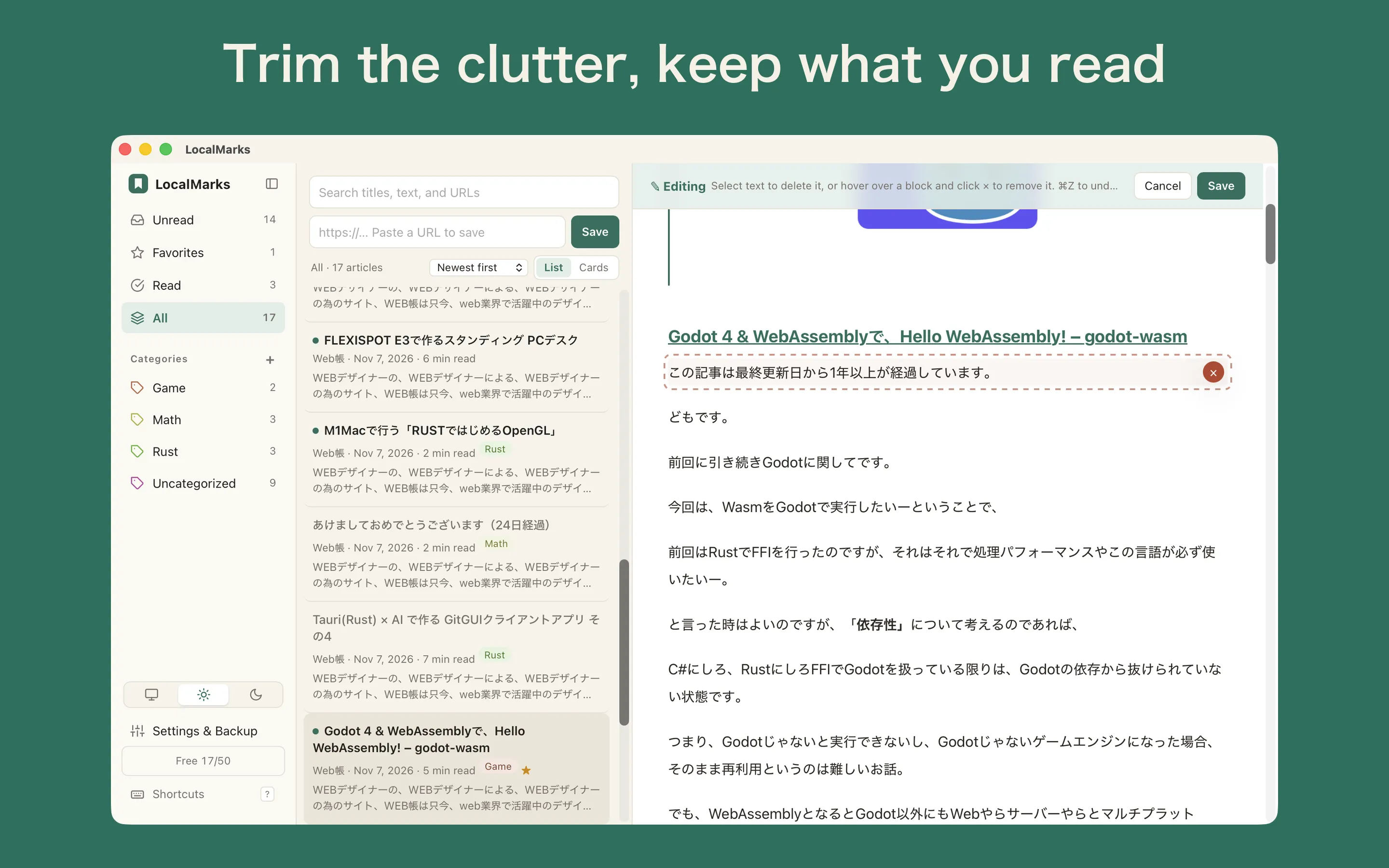
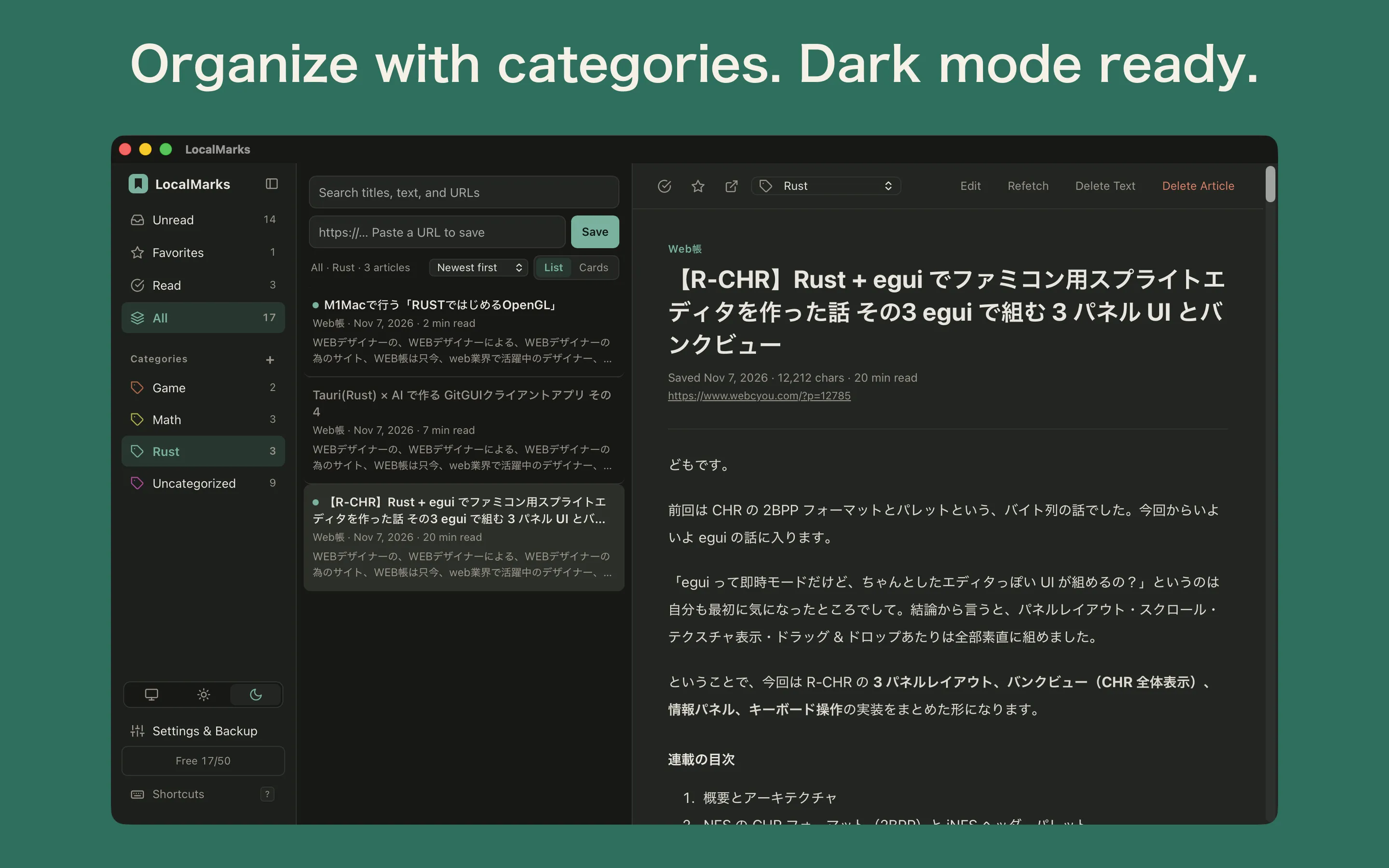
Article text is saved so you can read without ads or clutter. Full-text search makes it easy to find later.
Save up to 50 articles for free.
A one-time in-app purchase, “Unlimited”, removes the limit. Purchases are tied to your Apple ID (Mac) or Microsoft account (Windows) and can be restored with Restore Purchase on any computer signed in with the same account.
The extension sends articles only to the LocalMarks app running on the same computer. Nothing is sent to servers on the internet. Learn more about the free extension at LocalMarks for Chrome, and get it from the Chrome Web Store. See Support for setup steps.
Versions for iPhone, iPad and Android are planned.

LocalMarks
Private bookmarks. Your Web. Your Data. A read-it-later app with no account and no cloud